Curious minds
See something you can’t name? Snap a photo to find out. Choose a simple name or a detailed description.
Free on Android
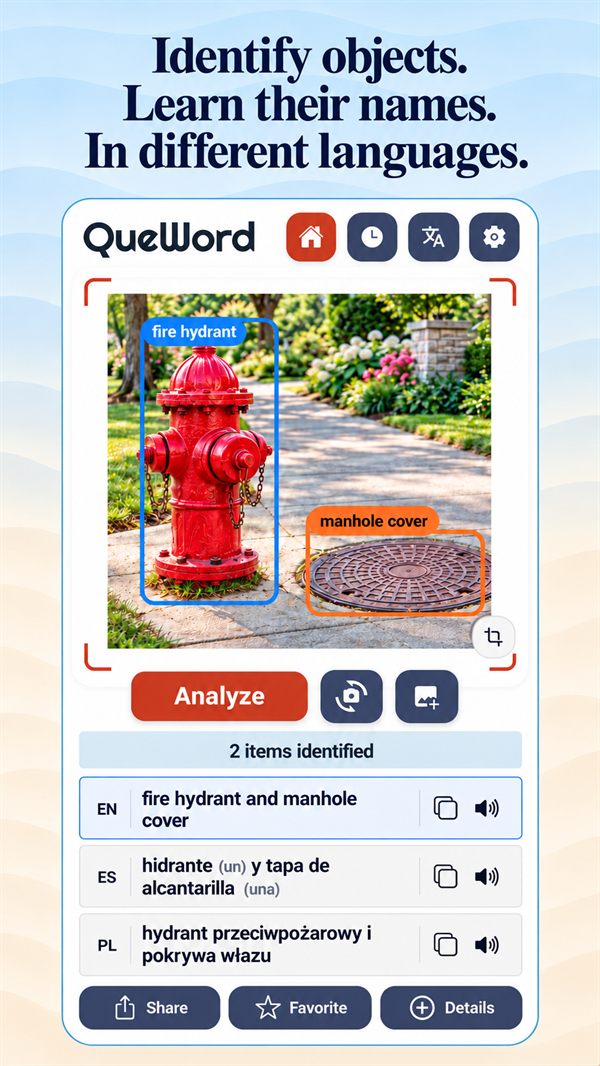
Take a photo and QueWord identifies the objects in it, tells you what they’re called and translates their names into up to two other languages, with pronunciation.
For everyday discoveries, new languages and life’s “what’s that?” moments.
See something you can’t name? Snap a photo to find out. Choose a simple name or a detailed description.
Build vocabulary from the world around you. Discover words for everyday objects, compare languages and listen to their pronunciation.
Translate menus, labels and signs, and learn what the things you discover are called in the local language.
Snap a toy, a fruit or a kitchen utensil and learn its name in two or more languages, with pronunciation to help you say it.
Feel more at home in a new country. Learn useful words for shopping, home and work, with your own language alongside for reference.
Three steps from “what’s that called?” to knowing the word.
Point your camera at something, or pick a photo from your gallery.
Each object is labeled right on the picture, even when there are several.
See the names in your language and up to two others, hear how they’re said, and save them for later.
Made for language learners, travelers and anyone curious about the things around them.
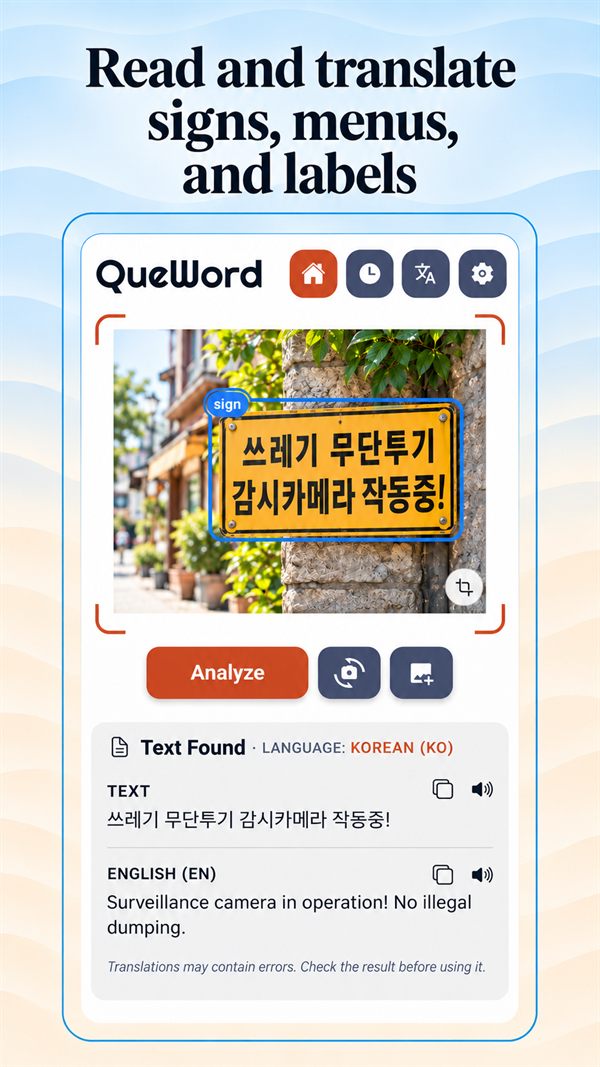
QueWord reads the text in your photo and translates it for you.
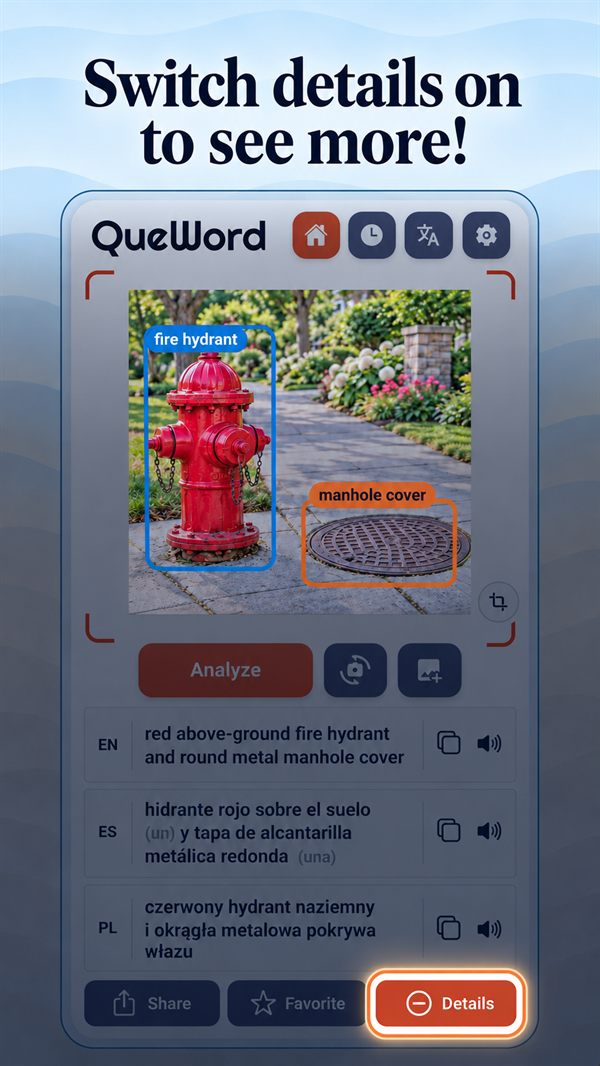
Get the simple word, or switch details on for a fuller description.
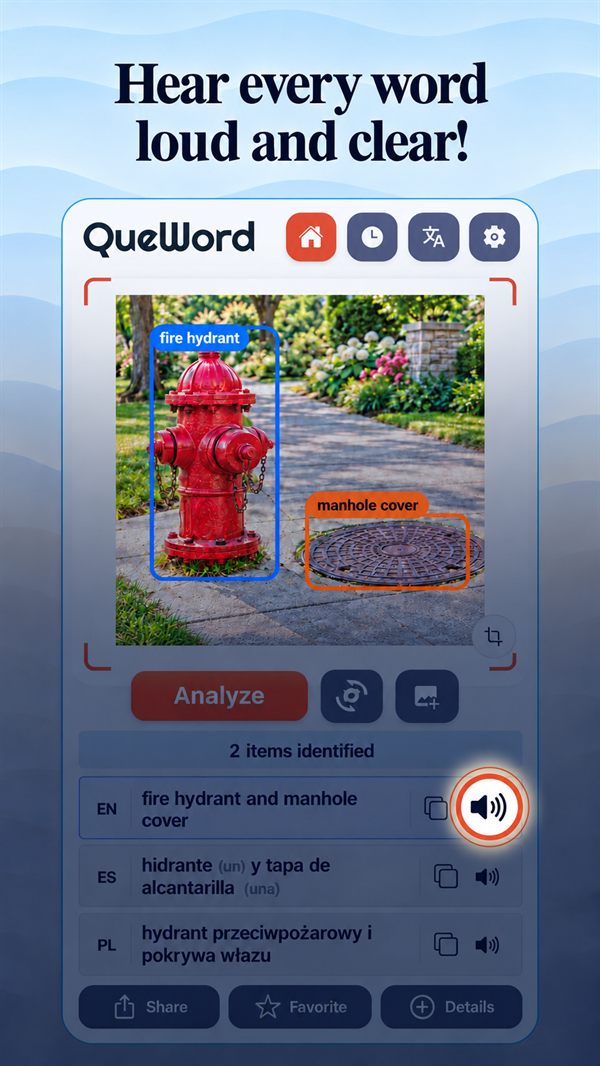
Tap the speaker to hear the pronunciation, with articles like le, la, el and der where they apply.
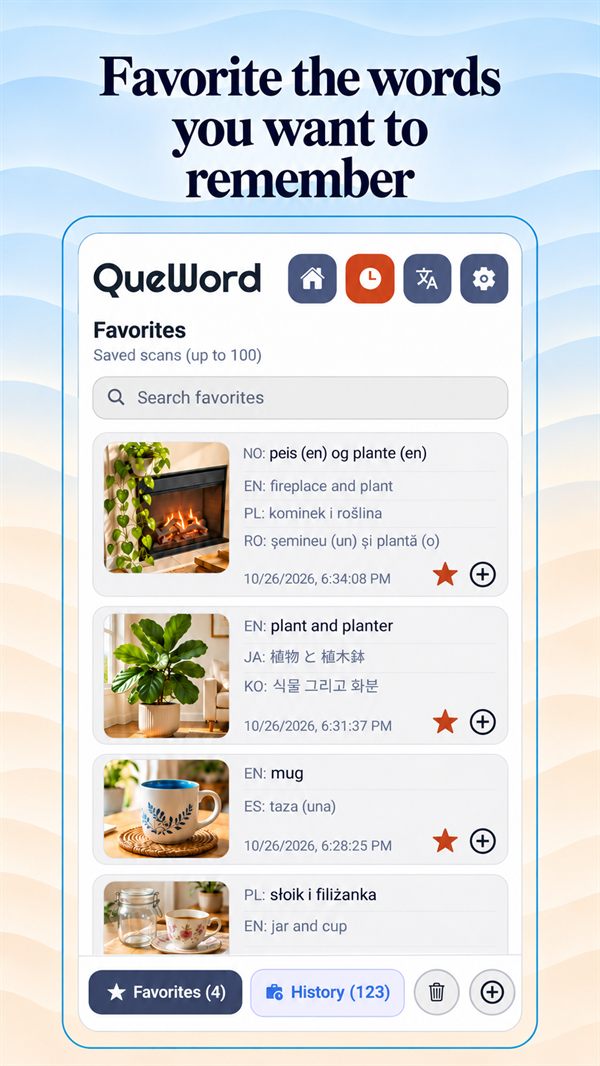
Every scan is saved on your phone. Star the ones you want to remember.
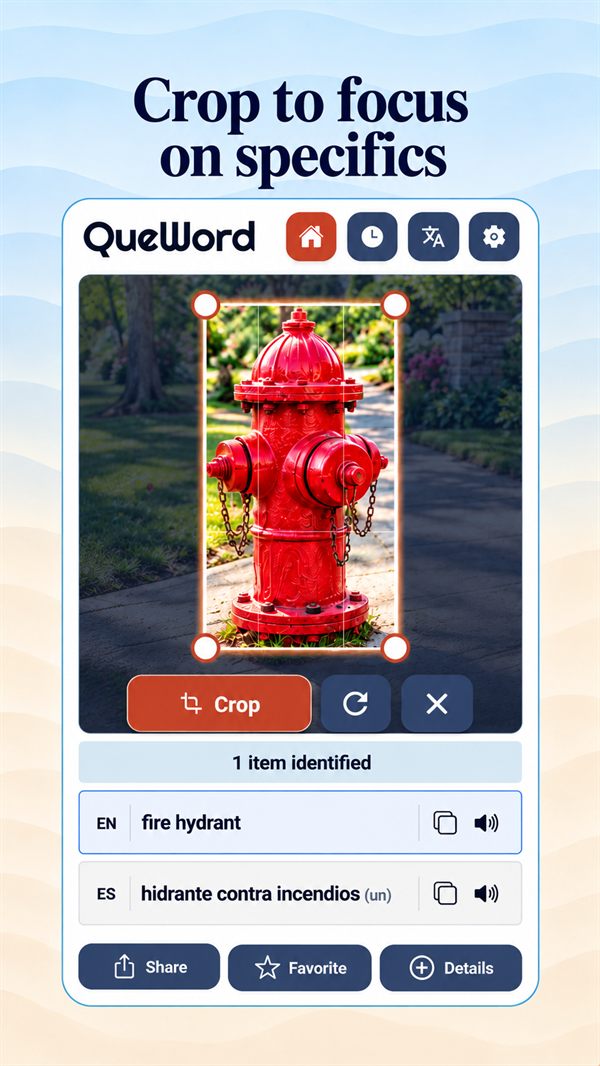
Narrow a busy photo down to the one thing you want to know about.
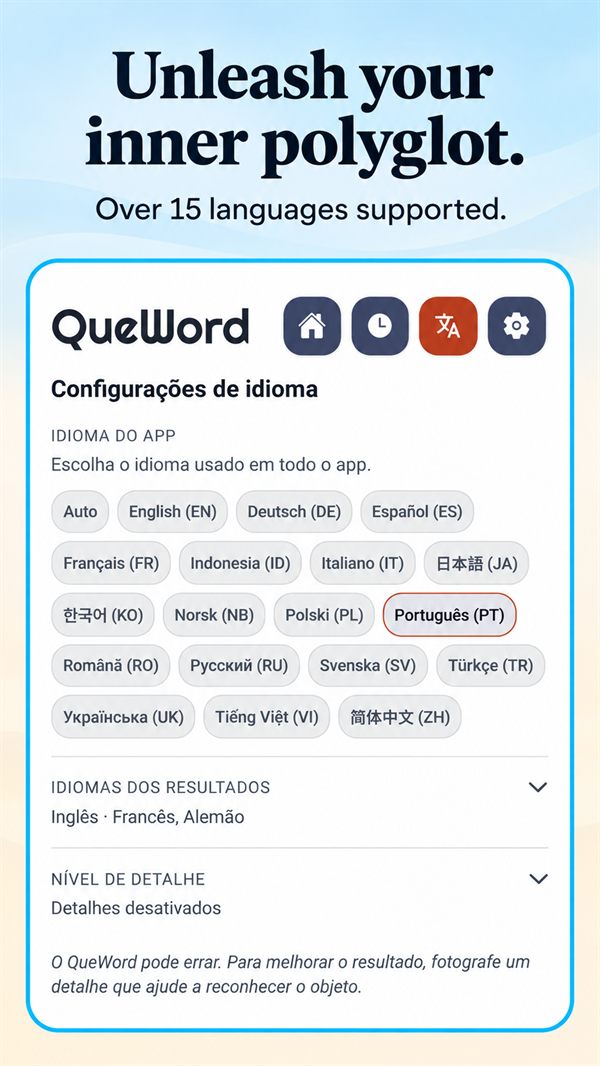
Switch the whole app to any of 18 languages, and choose which languages your results appear in.
Use QueWord in your own language, and learn the names of things in up to three of these languages at once.
Start free. Upgrade when you want to scan every day.
Monthly or yearly, with prices shown in Google Play. Cancel anytime. Fair use applies.
QueWord works without an account, and keeps your history on your phone.
Read our Privacy Policy for the details.
Download QueWord free on Google Play.